
Primer, Under Your Name: Branding for Schools and Tutors
Schools and tutoring companies can now put their own logo, name, and color on Primer. Teachers see your brand on the dashboard, students see it in their portal, and the lessons are still built around each student.
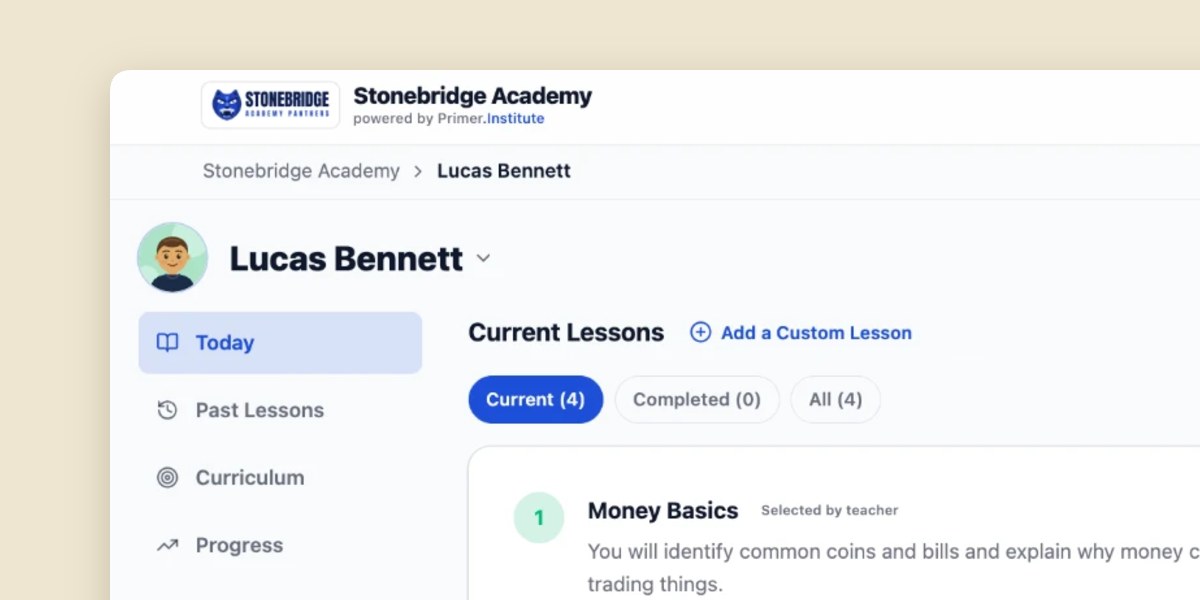
A tutoring company spends years building a name families trust. A school has a crest on the building, the uniforms, and the letterhead. Then a student logs in to do their lessons and sees someone else's logo. Until now, that was true of Primer too.
School and tutoring accounts can now change that. The account owner sets a name, a logo, and an accent color once, and every teacher and student in the account sees Primer under that brand.
What you can brand
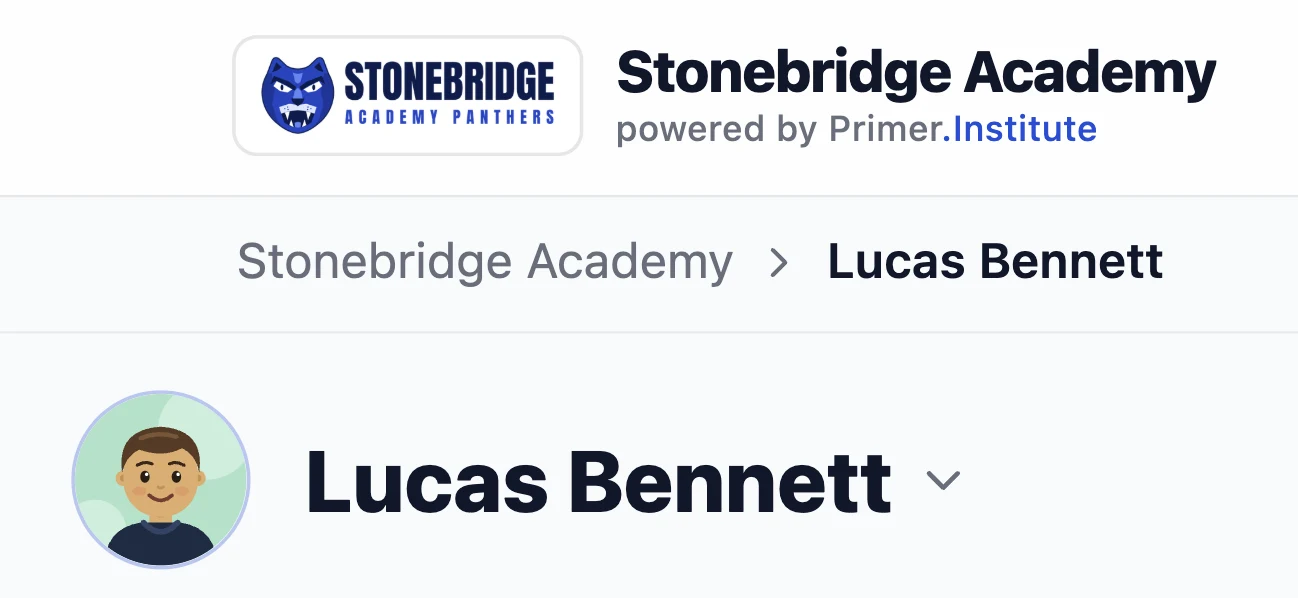
- Your name and logo. They lead the top bar on every page, with a small "powered by Primer.Institute" line beneath. The breadcrumb starts with your name too.
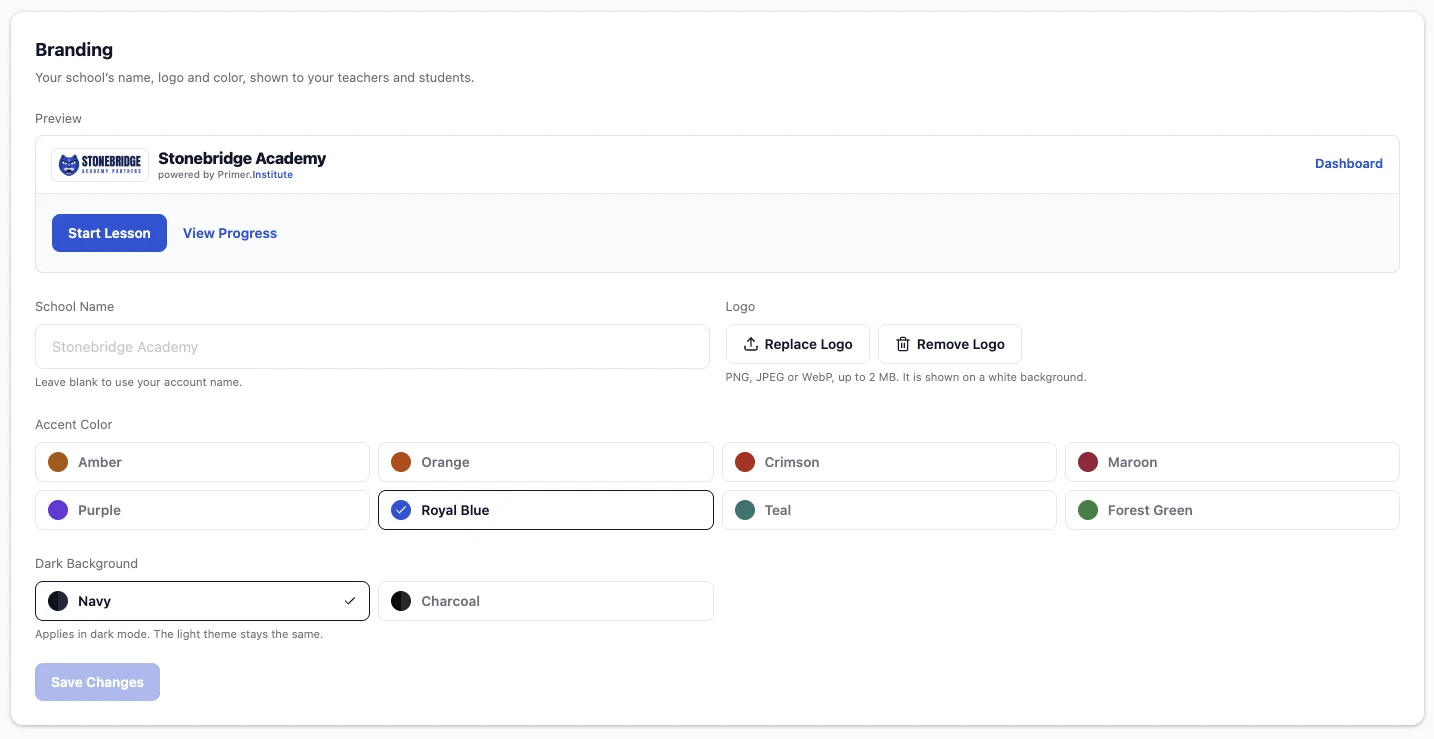
- Your accent color. Pick one of eight accents (Amber, Orange, Crimson, Maroon, Purple, Royal Blue, Teal, or Forest Green) for buttons, links, tabs, and highlights. Each is checked for contrast in light and dark mode, so everything stays readable.
- Your dark mode. Choose Navy or Charcoal for anyone who works in dark mode. Your logo always sits on its own white badge, so it reads on either.

Branding is set for the whole account, not per teacher, so the look is the same whoever is signed in. Teachers see it on the school dashboard, each student's page, curriculum, progress, and settings. Students you invite to their own portal work through lessons under your name and colors, not ours.
One thing deliberately stays put: lesson diagrams keep Primer's own palette. Fraction bars and charts depend on colors that are easy to tell apart, so they read the same whatever accent you pick.
Built for a roster
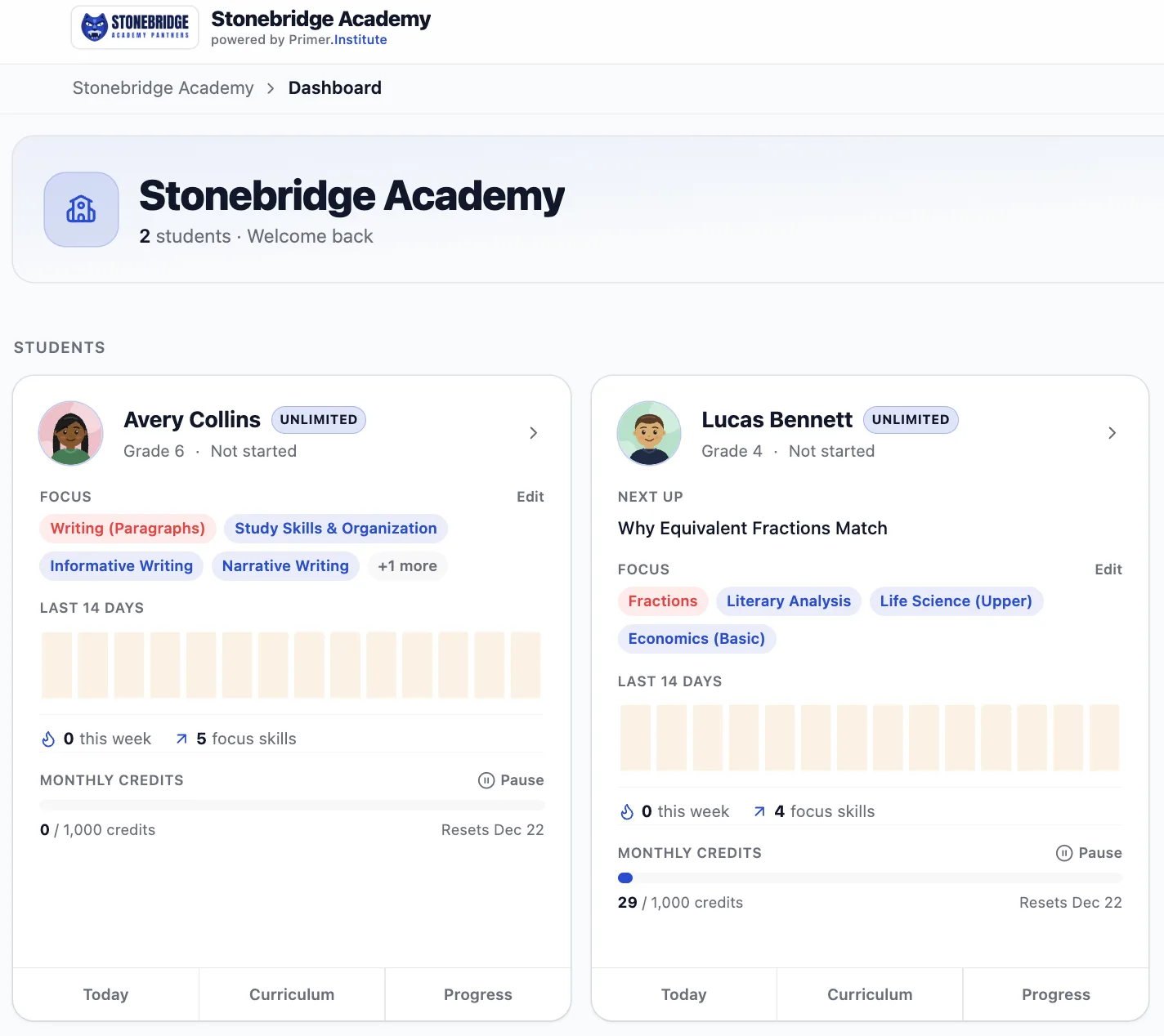
A school account is built around a dashboard of every student, rather than a family's handful. Each student gets a card with their grade, focus skills, and what is next up, along with the last 14 days of activity, so a teacher can see at a glance who is working and who has stalled. Monthly credits show per student, with a pause for a student who is away.
Plans are chosen per student, so one account can mix the Focus plan for students who need help in one subject with Unlimited for those doing everything. When a teacher wants something specific, they can add a custom lesson or a custom worksheet for that student. Underneath the branding, every lesson is still written for one student, from their own history in Primer.
Branded in about five minutes
There is no sales call. The account owner does it all from settings.
Choose a school or tutoring account
When you sign up, pick the account type that fits. Branding is available to school and tutoring accounts; family accounts keep Primer's standard look.
Open Settings, then Branding
Set your name, upload your logo (PNG, JPEG, or WebP, up to 2 MB), and pick an accent and a dark background. Leave the name blank and Primer uses your account name. A live preview at the top shows the result before you save, and changes show for everyone in the account as soon as they are saved.
Add students and invite them
Add your students, then invite each one to their portal. They see your brand from their first lesson.
Which logo file to upload
Your logo always sits on its own white badge, in light mode and dark mode alike. If your school keeps two versions of its logo, one for light backgrounds and a reversed one with white lettering for dark backgrounds, upload the light-background version. White lettering disappears on the badge.

Upload this one
Dark lettering reads clearly on the white badge.

Not this one
The reversed version loses its white lettering, leaving the panther and a faint tagline.
 Try it before you sign up
The schools page has a live preview: pick a sample brand and a dark background and watch the top bar and buttons change.
Branding is included
A school or tutoring account uses the same per-student plans as everyone else: Focus at $20 or Unlimited at $40 per student per month, with a 14-day free trial. Branding costs nothing extra, and you pay only for the students you have.
Setting up a whole school or a large roster? Email us with roughly how many students and teachers you have, and a real person will help you get set up. And if your co-op, tutor, or school could use Primer, send them the schools page.
To get started, start a free trial, choose a school or tutoring account, and set up your branding before your first student logs in.