

Now on YouTube
Watch Primer, from setup to the first lesson.
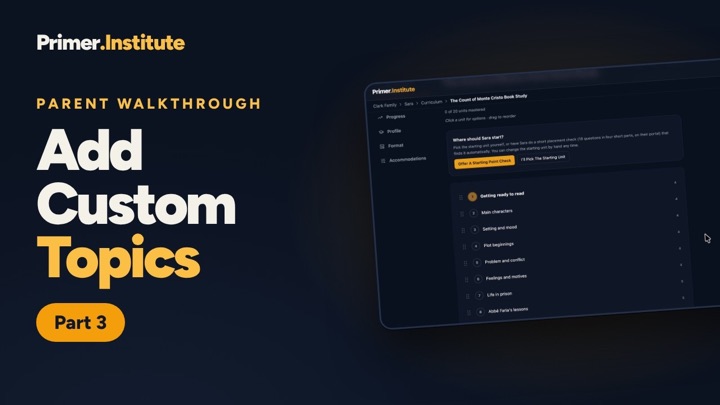
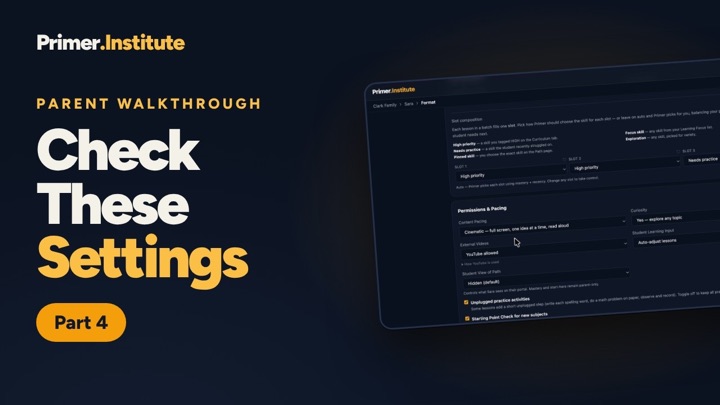
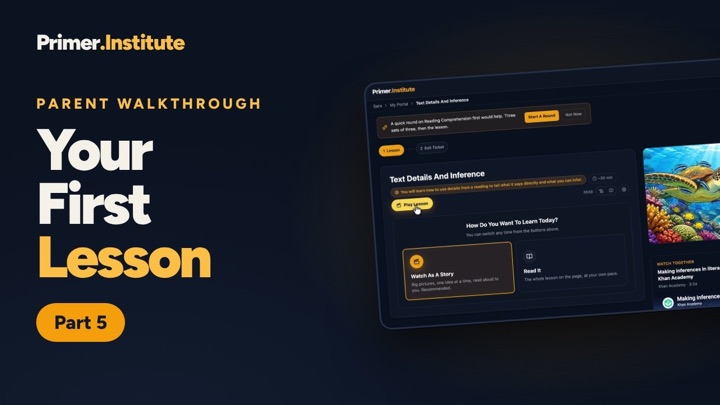
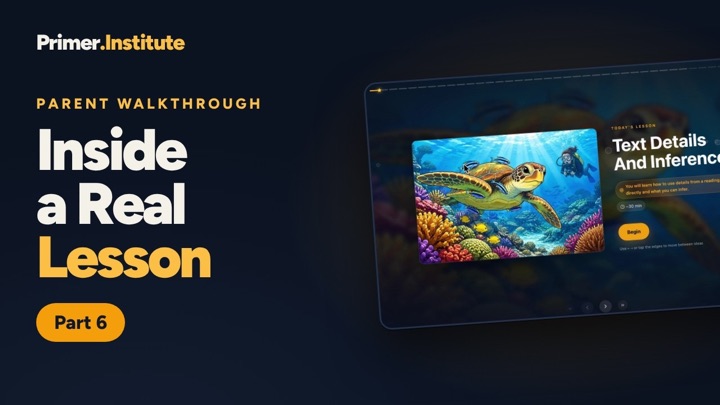
The parent walkthrough is six short videos, about 20 minutes in all. Follow along as we set up a student, build their curriculum, and open a full lesson from start to finish.
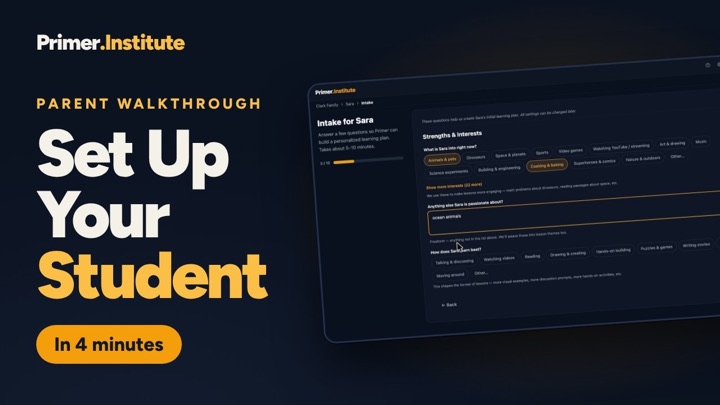
Part 1 of 6 · 3:39
Setting Up Your First Student
Create your family, add your student, and complete the intake: interests, how they learn best, current subjects, challenges, goals, standards alignment, and safety settings.
Watch on YouTube →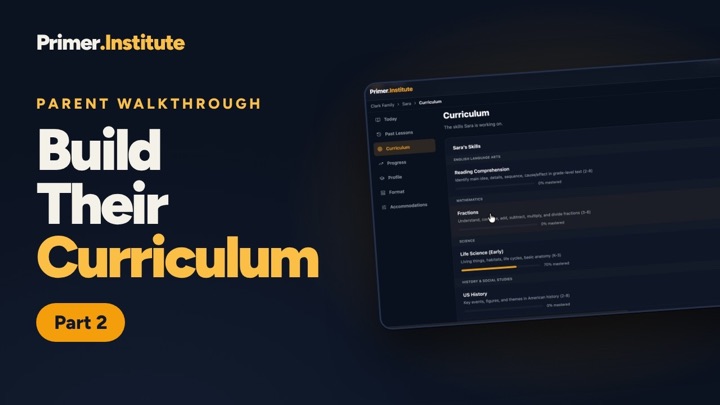
Ready to set up your own student?
It takes about ten minutes, the same steps as Part 1. Or see what a lesson looks like for your student first, with no account.