
An Orderly Path, Not a Pile of Random Lessons
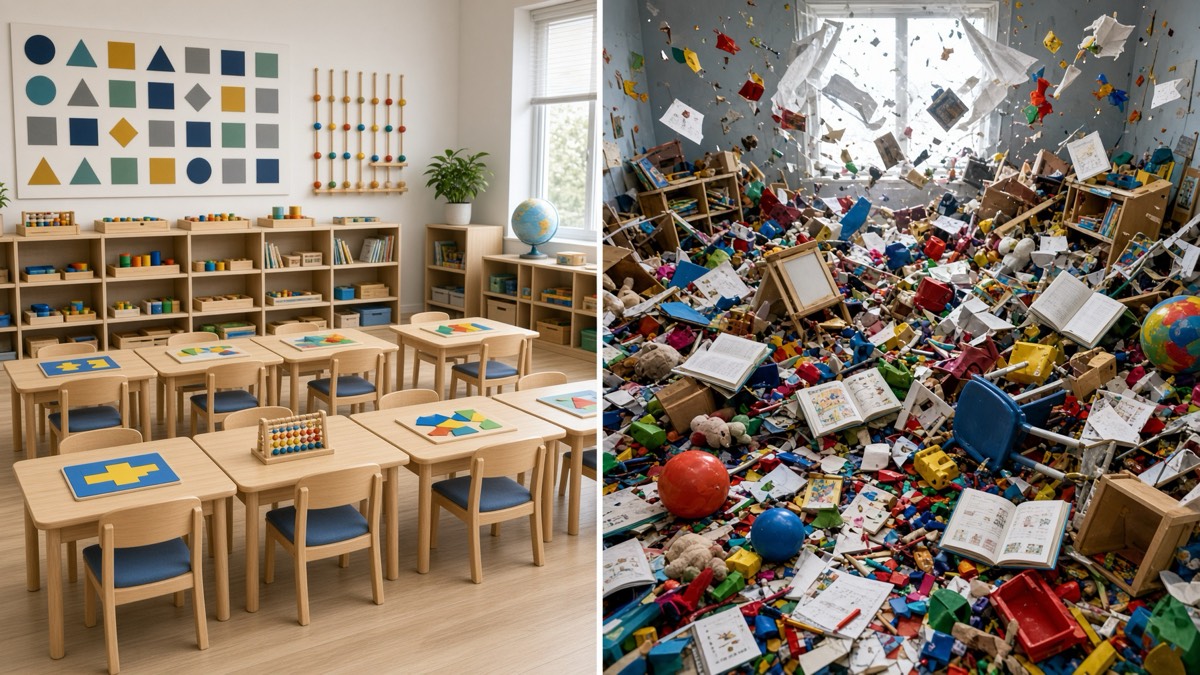
Plenty of parents have tried asking ChatGPT to write a lesson for their kids. It works once. Do it every day and the lessons start to pile up with no order: no memory of yesterday, no plan for tomorrow, and no way to tell whether your student understood any of it. Primer keeps every lesson in its place. Here are ten things Primer does that a chatbot lesson does not.
Why a chatbot lesson stops working
A chatbot is very good at answering the question in front of it. Ask for a lesson on fractions and you will get a reasonable one. The trouble starts on day two. Each new lesson is written without knowing what the last one covered, whether it worked, or what should come after it. You end up as the curriculum designer, the record keeper, and the grader, with a stack of disconnected pages to manage.
Primer does those jobs for you. Here is what that means in practice.
Memory
Primer learns from every lesson. It keeps each question, each answer, and each time your student raised their hand, and the next lesson starts from what your student already knows. A chatbot starts every conversation from scratch. We went deep on this in Primer Forgets Nothing.
A lesson shape kids can count on
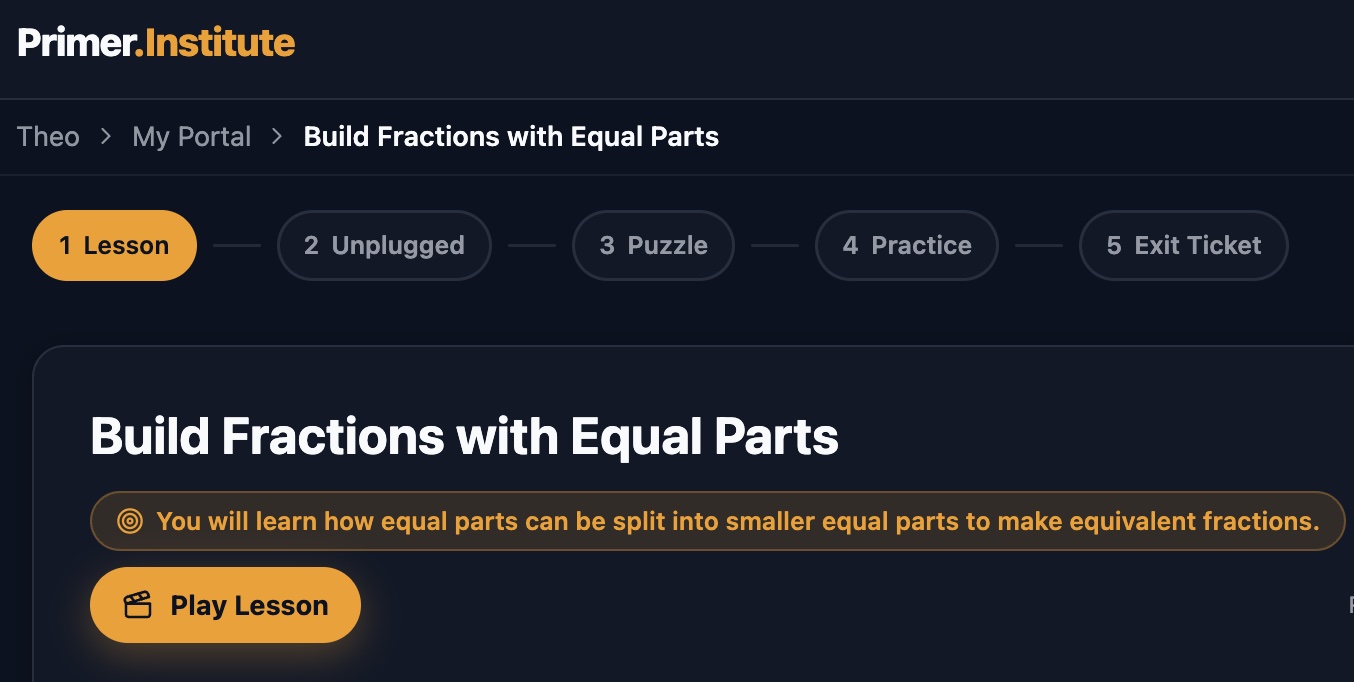
Every lesson follows the same five steps: Lesson, Unplugged, Puzzle, Practice, and Exit Ticket. Your student always knows what comes next, which leaves their attention for the ideas instead of the format, and the Puzzle step keeps it fun. Inside a Lesson walks through each step.
Worksheets and handwriting
Learning is not all screen time. Each lesson’s Unplugged step comes with a worksheet your student can print and do on paper, or fill out on the iPad with an Apple Pencil. Handwriting practice works the same way, built around the letters your student is working on; see Handwriting Practice, Built for One Student.
A complete progress system
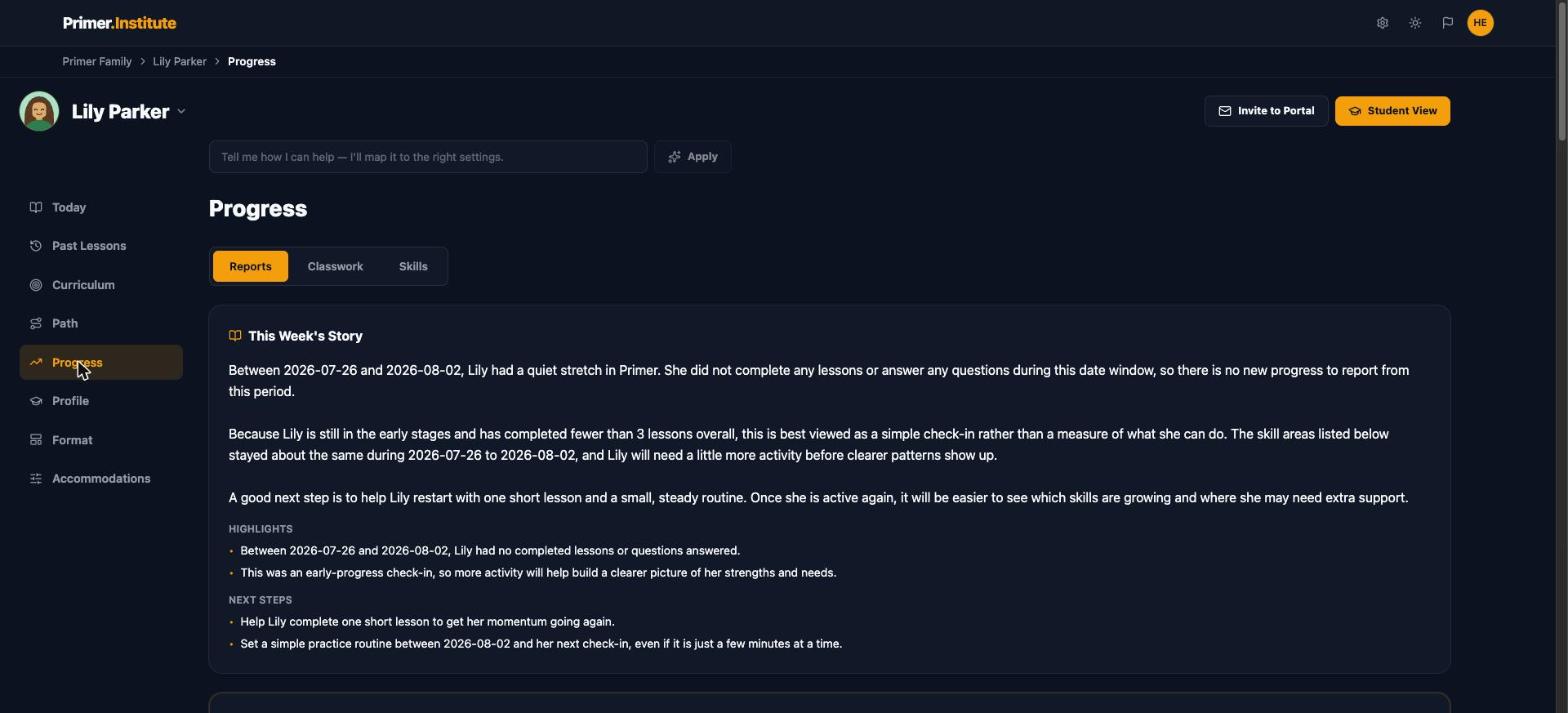
Primer tracks usage and progress over time, so you can see what your student did this week, this month, and this year. Weekly reports, a lesson-by-lesson classwork log, and a mastery score for every skill all live on the Progress tab. A chat history is not a report card.
Built around your student
Before the first lesson, a short intake interview records your student’s interests, strengths, struggles, and any learning differences, along with your own requests. Every lesson is written with all of it in view, so you never have to retype it into a prompt.
A safe place to learn
Guardrails are built in. Your student learns in a focused space designed for them, not an open-ended chat window. When they are stuck, the Need Help? panel answers questions about the lesson in front of them, and the intake’s Safety & Permissions step lets you decide things like whether outside videos can appear in lessons.
The right starting point
An adaptive Starting Point Check finds where your student should begin in each subject, so the first lesson is neither too easy nor out of reach. A chatbot only knows the grade level you tell it.
Charts, illustrations, maps, and animation
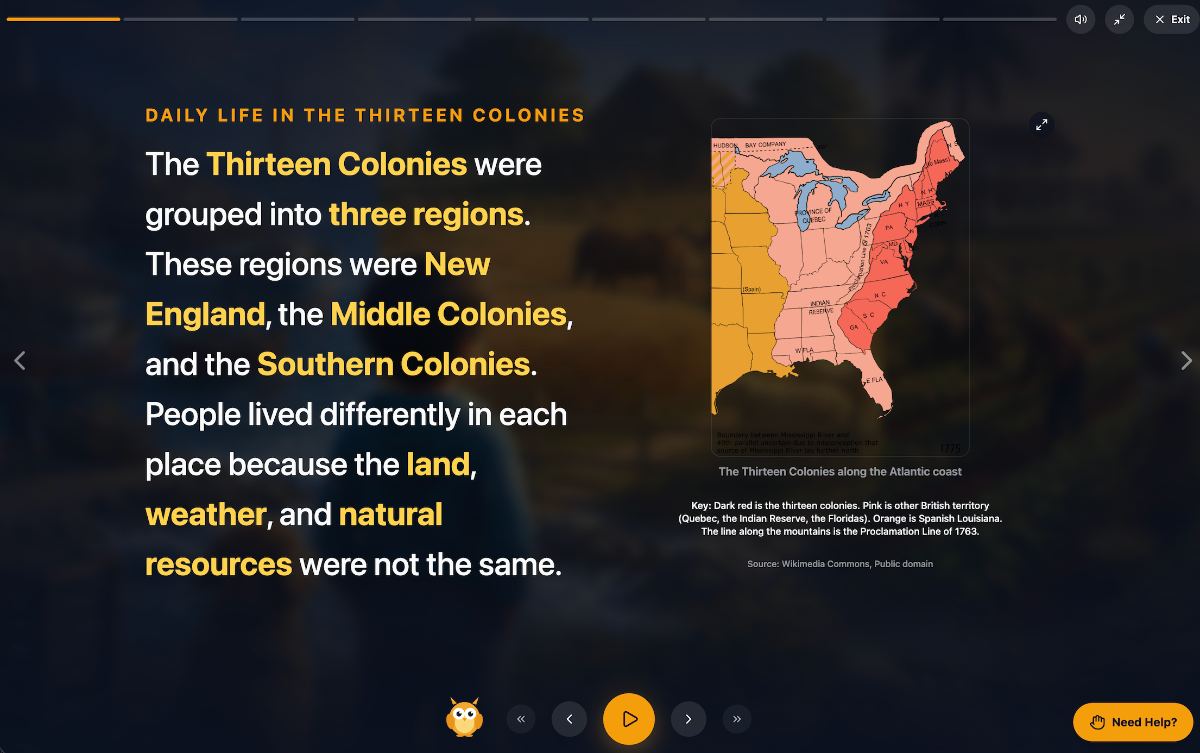
Visuals are part of every lesson, so ideas are shown as well as explained: a chart for a fraction, a period map for history, an illustration themed to what your student loves. Cinematic Lessons shows what that looks like.
Targeted mastery questions
Questions are written to find out whether the lesson actually landed, and the answers decide what comes next. The exit ticket at the end of each lesson is the measuring stick: a missed idea gets taught again another way, and a mastered one moves your student forward.
Organized curriculum management
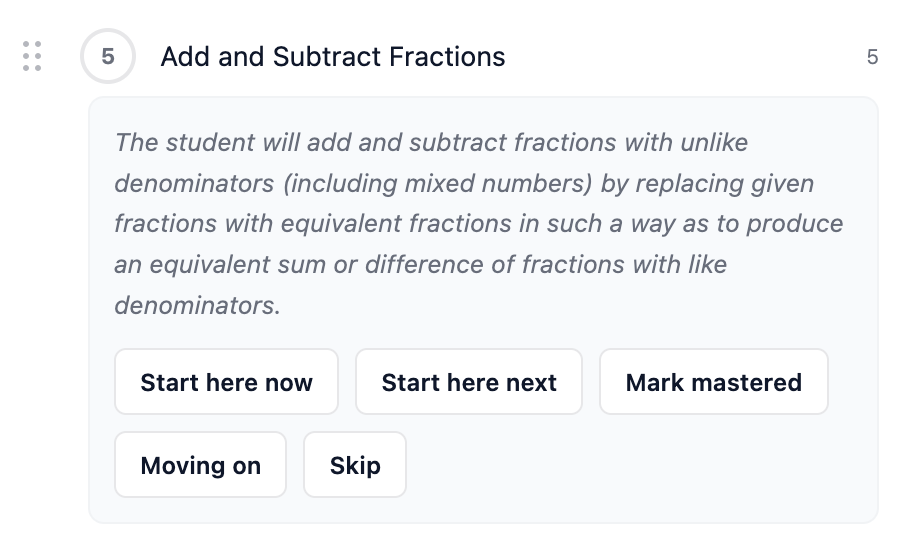
Behind the lessons sits a structured curriculum: subjects, a path through each one, and units in a set order. You can adjust it, add your own topics, and change the pace, and it responds to what you and your student need. You Are the Principal Now explains how the pieces fit.
The difference
Each of these ten is useful on its own. Together they add up to something a chatbot cannot give you: an overarching design that connects every lesson to the one before and the one after. A chatbot gives you a lesson. Primer gives your student an education.
 A tip for parents
Have a request for your student’s curriculum? Tell us about their passions, struggles, or learning differences, and Primer will shape their lessons around it. The quickest way is to email your student’s teacher from inside the app.
See the difference for yourself
If you have been piecing lessons together in a chat window, try a week of Primer and compare. Start a free trial, add a student, and let the Starting Point Check find where they begin. Already a subscriber? Sign in and open the Progress tab to see the path so far.