| |||||

| |||||
|
Inside a lesson Five Steps, Not a Video and a QuizMost online learning still runs on one shape: watch a video, then answer some questions. Primer lessons run on a different shape, built around how kids actually learn an idea well enough to keep it. Every lesson moves through the same five steps, in the same order: Lesson, Unplugged, Puzzle, Practice, Exit Ticket. | |||||
| |||||
|
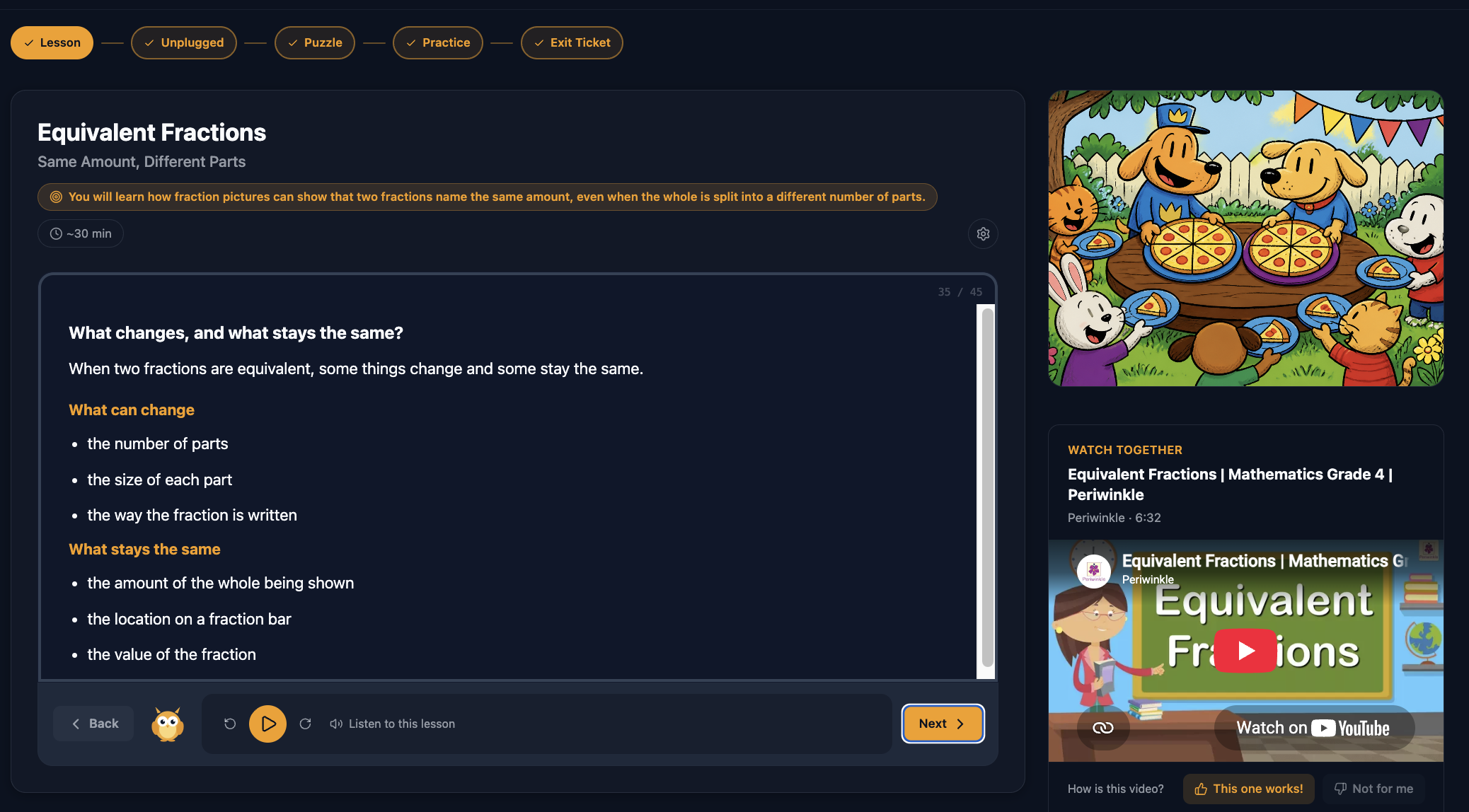
1 Lesson the idea, taught A clear objective, with key words highlighted in amber and text size the student controls. Charts and pronunciations appear where they help. This is where a new idea is introduced, once, in plain language, with a step nav across the top so everyone knows what is coming next. Read Aloud is optional, based on the student. Some lessons also include a video, selected by reviewing transcripts for the closest match to the lesson. You can turn videos off if you would rather they not appear. | |||||
 | |||||
|
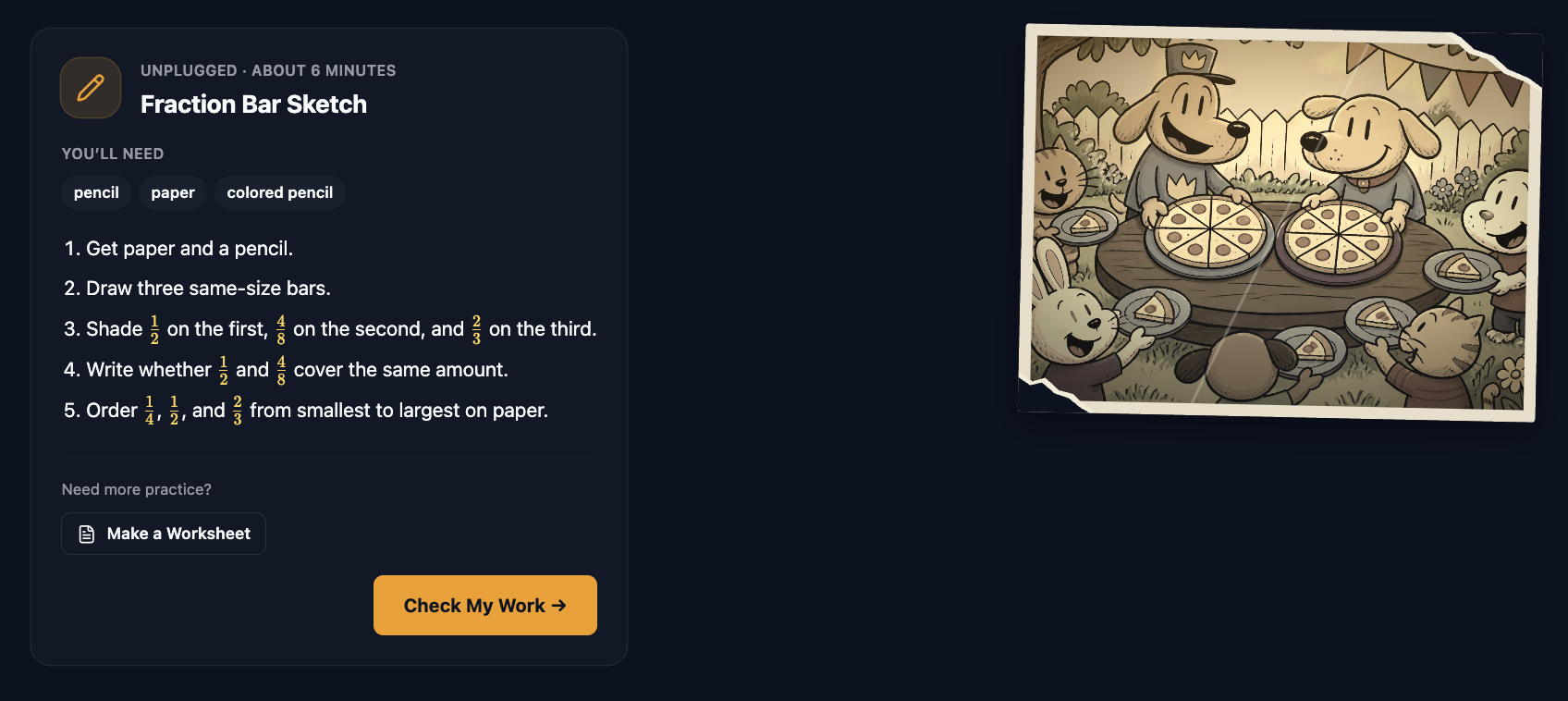
2 Unplugged the same idea, off the screen A short list of materials, then numbered steps to work through by hand. More on why this step exists below. | |||||
 | |||||
|
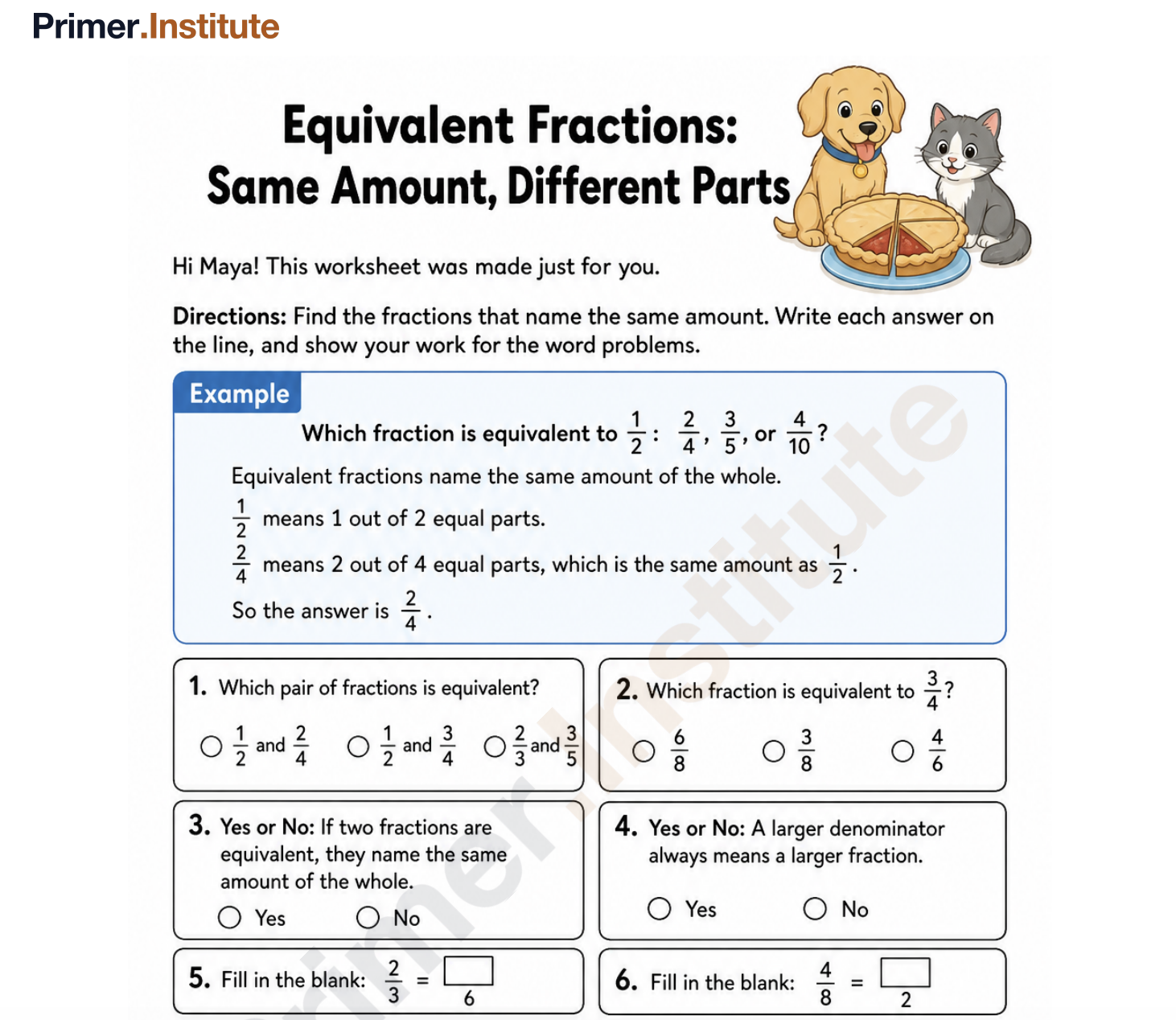
Every Unplugged step also has a worksheet version. Print it and work through it with a real pencil, or open it on the companion iPad app and write directly on the page with an Apple Pencil or any stylus. Either way, the work is done by hand, not by tapping through it. | |||||
 | |||||
|
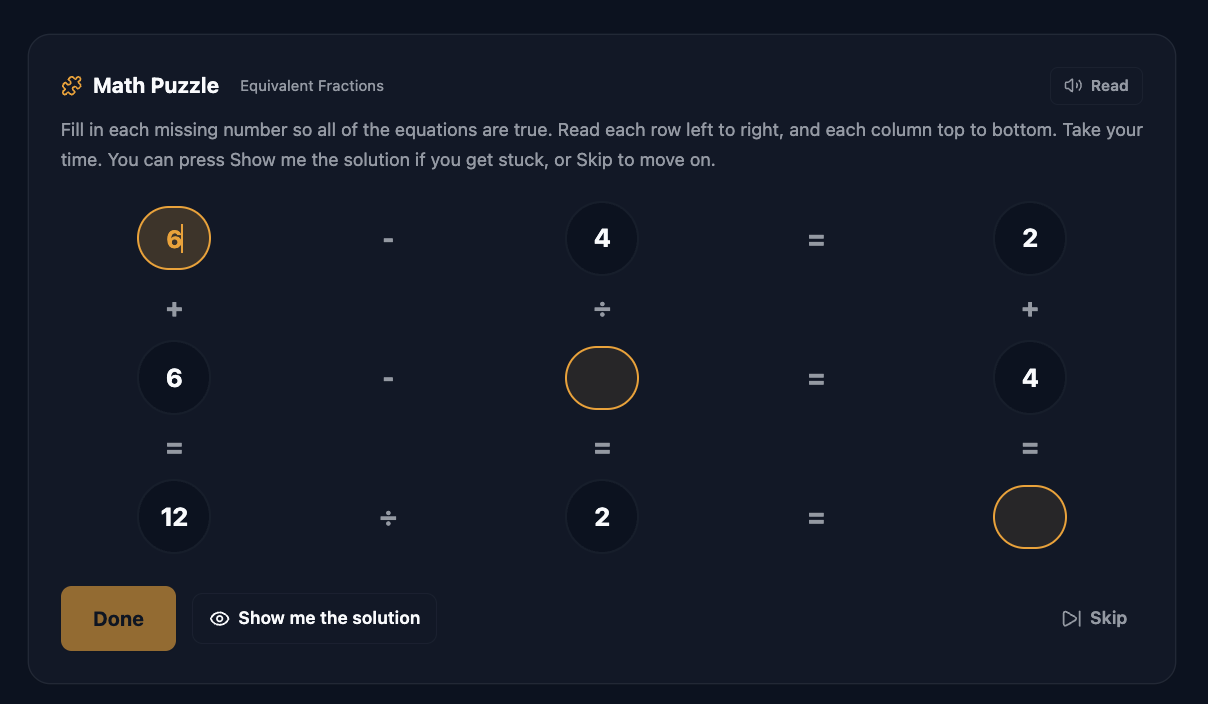
3 Puzzle the idea, played with A logic puzzle built around the same lesson, not a recap of it. Your student can ask to see the solution or skip it, no penalty either way. | |||||
 | |||||
|
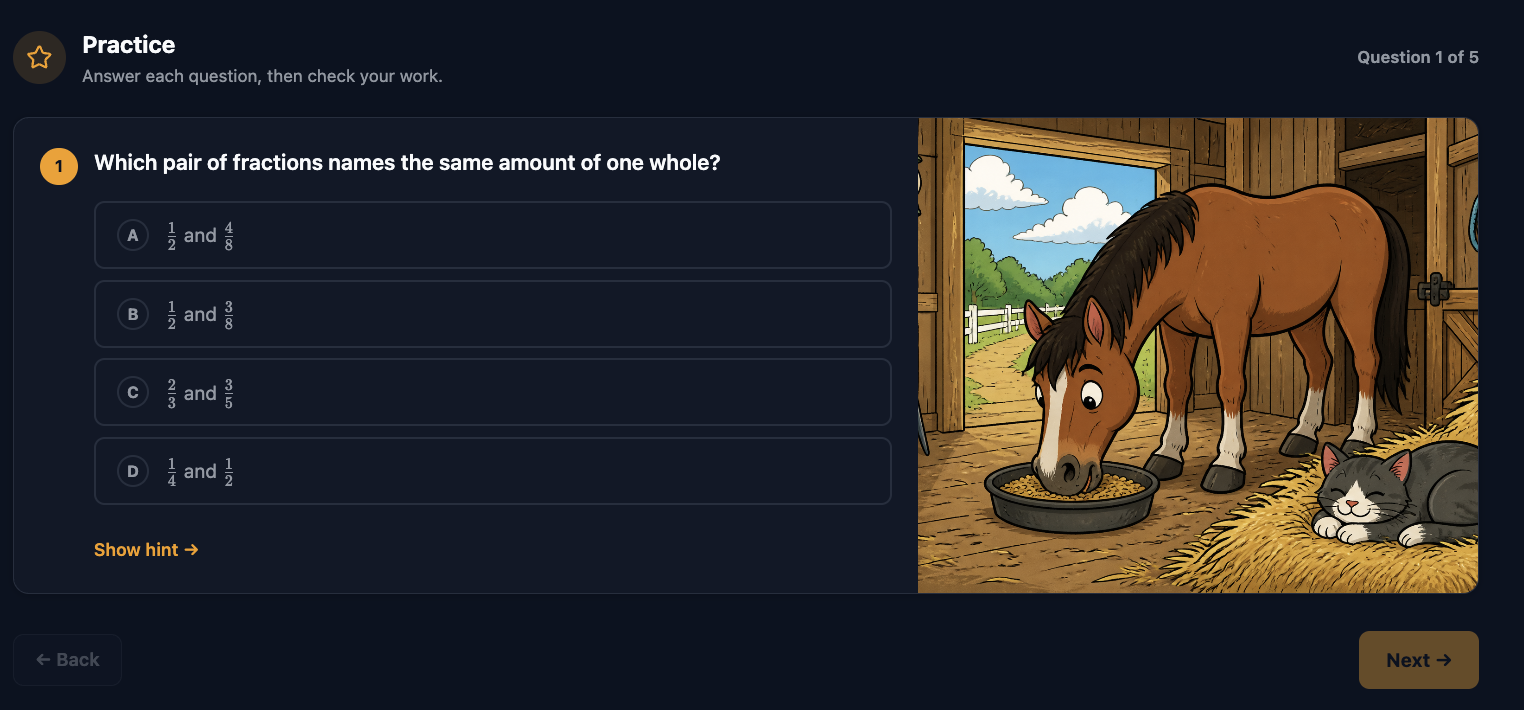
4 Practice the idea, repeated One question at a time, themed around what your student is into, with a hint available if they get stuck. The reps that make an idea stick, not just click through. | |||||
 | |||||
|
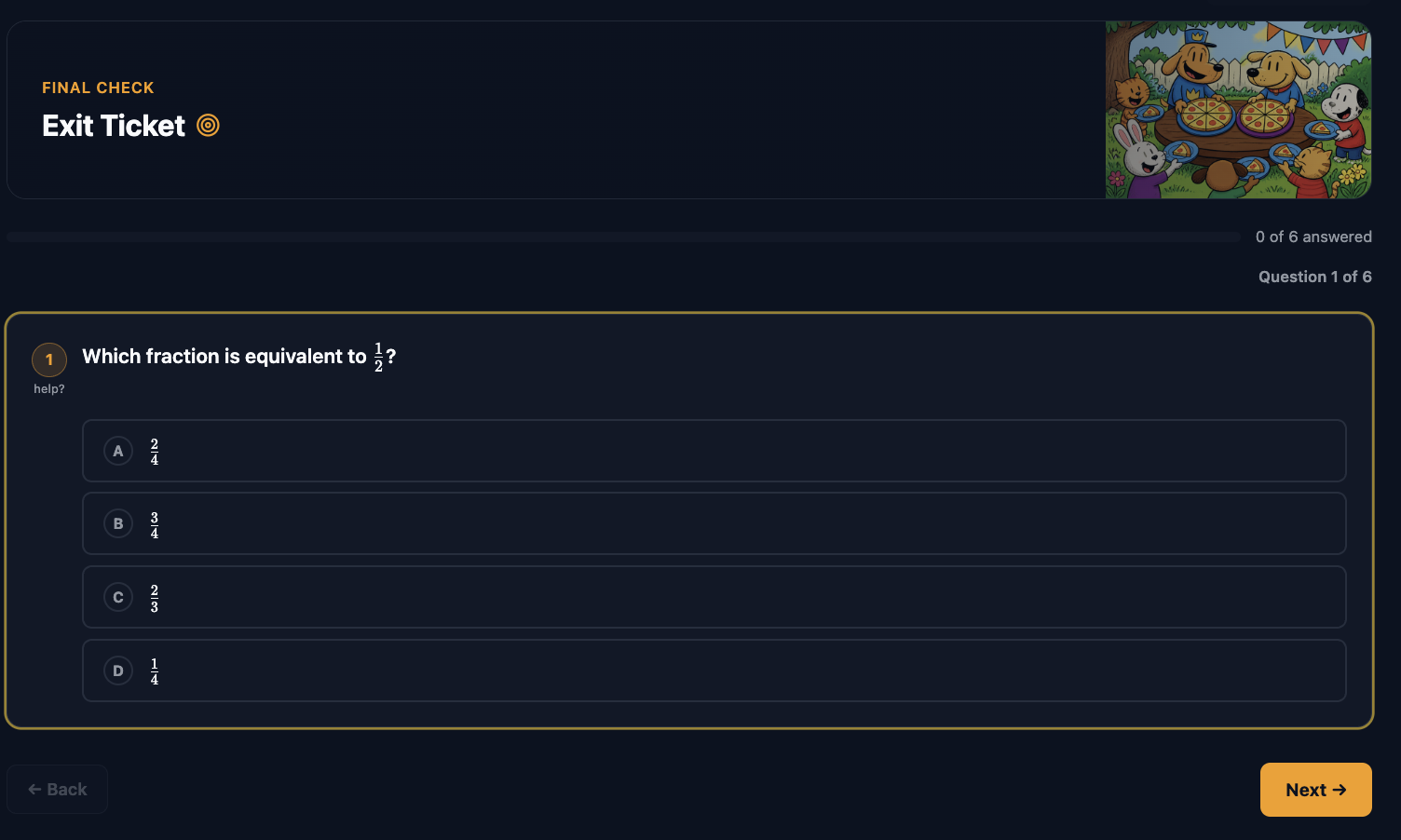
5 Exit Ticket the final check A short set of questions across the whole objective, before Primer decides the lesson landed and moves your student on, or brings the idea back later if it did not. | |||||
 | |||||
|
Why five steps, not a video and a quiz A video-and-quiz lesson teaches an idea once, passively, and tests it once, at the end. If a kid’s attention drifted during the video, the quiz just finds out too late. Primer teaches the same idea five different ways in a row: hear it explained, do it by hand, play with it, drill it, then prove it. Some kids need to see an idea to get it. Some need to say it out loud. Some do not really know it until their hands have done it. Five formats mean a lesson does not have to guess which one your student needs today. It gives them all five anyway.
| |||||
|
Unplugged is a deliberate screen break Right after the Lesson step, before the screen gets a chance to become the whole experience, Primer sends your student away from it. Unplugged is an unplugged activity: drawing, folding, measuring, writing, building, whatever the idea calls for, done with real materials at a real table. It is not filler between the “real” parts of the lesson. Working through an idea with your hands, on paper, is its own way of learning it, and a step every screen-based lesson skips. It also does something a video cannot: it gets your student up, moving, and off the screen in the middle of the lesson instead of at the end, when the habit is already set.
| |||||
| |||||
|
A lesson built to actually stick Five steps, one idea, no screen fatigue.
Try free for 14 days. Cancel any time. | |||||
|
EDUCATION · REIMAGINED Primer Institute, a product of Roman Court Technologies | |||||
| · — · |